YouTube Shorts Editing: Quick Impact & Channel Connection
YouTube Shorts Editing
Quick Impact and Strategic Channel Connection
YouTube Shorts is not just a short video feature. It is one of the most powerful discovery tools the platform has ever built. But editing a Short well is a completely different skill than editing a regular YouTube video, and most creators are getting it wrong in ways that cost them real growth.
???? Why YouTube Shorts Editing Is Its Own Discipline
- A dedicated discovery algorithm: The Shorts feed works independently from the main YouTube feed. A well-edited Short can put your channel in front of audiences who have never heard of you, regardless of your subscriber count.
- Direct link to your channel: Unlike TikTok or Reels, every Short sits inside your YouTube channel. Every viewer is one tap away from your full catalog. The editing goal is not just to entertain but to make someone curious enough to go deeper.
- Retention is still the engine: Watch time matters here just as much as in long-form content. If people are not watching your Short all the way through and looping it, the algorithm stops pushing it. Completion rate and repeat views are the two metrics that matter most.
- You are competing in a vertical feed: The same person watching your Short just watched 20 others. Your editing is what stops them. Not your topic, not your face, not your credentials. The first two seconds of how you cut that video.
???? What This Guide Covers
If you already make YouTube videos and you are not using Shorts, you are leaving a significant acquisition channel untouched. The Shorts feed reaches people who have no idea your channel exists. But here is the thing most creators discover the hard way: what makes a long-form YouTube video good will actively hurt you in a Short.
Long-form YouTube rewards patience. You can open with context, build slowly, establish credibility before the payoff. Shorts punish that approach. The audience is in a passive, high-speed scrolling state. They are not looking for your content. The editing has to ambush them in a way that makes stopping feel involuntary.
At EdicionVideoPro, we edit Shorts with a specific intention: each one should work as a standalone piece that also makes a viewer curious about the rest of the channel. We apply our experience in social media video strategy to the particular logic of YouTube’s ecosystem.
⚡ The Hook: You Have About Two Seconds
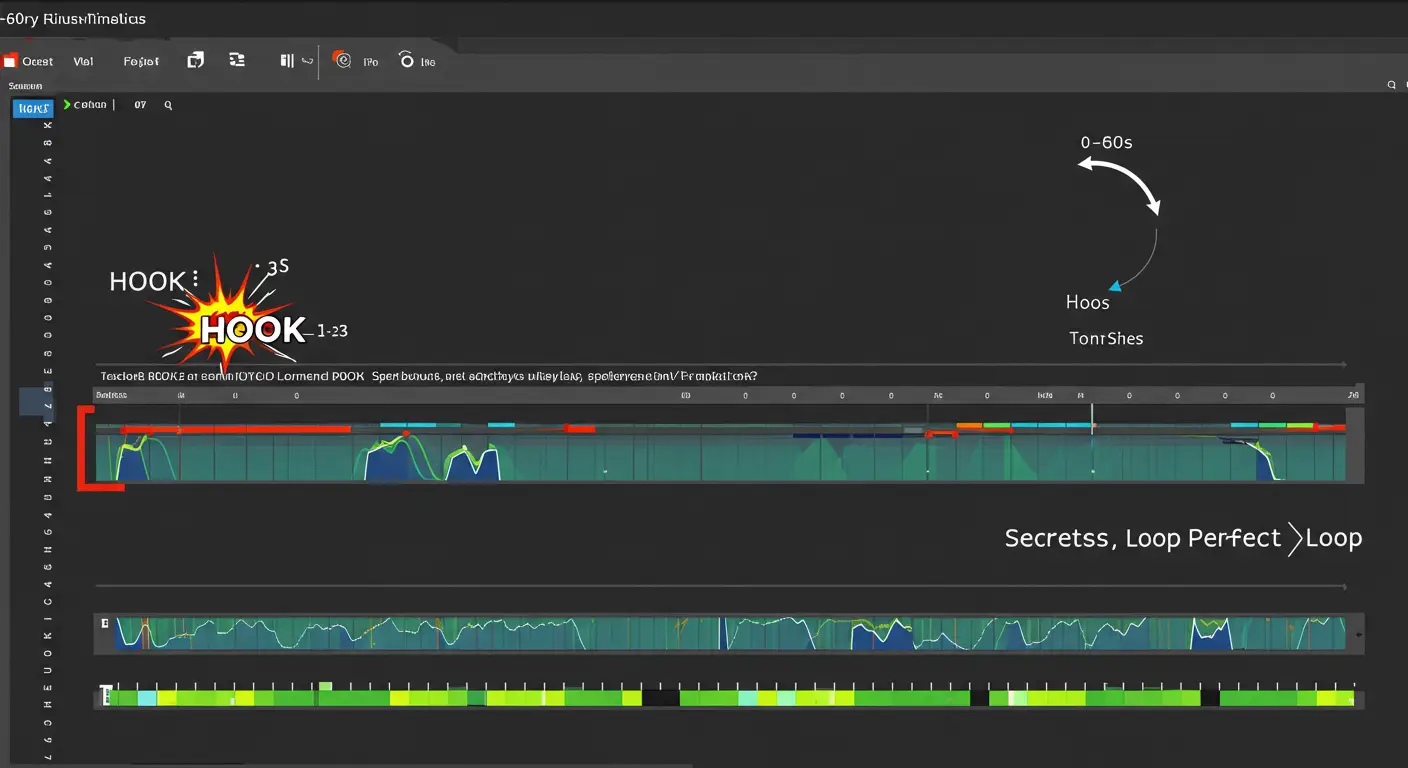
The opening frame is not an introduction. It is the entire argument for why someone should keep watching. If it does not create an immediate question in the viewer’s mind, the scroll resumes.
Start in the middle
Drop into the most interesting moment. Show the result before the process, the reaction before the cause, the punchline before the setup. Then let the video explain how you got there.
Use text as bait, not decoration
A bold text line in the first frame that creates an information gap does more work than any intro animation. “This mistake costs photographers $3,000 a year” is a hook. “Welcome to today’s video” is not.
Sound from frame one
A sharp sound effect, a musical hit, or the first word of a sentence spoken with energy. Silence in the first second of a Short is almost always a mistake.
✂️ Pacing, Cuts and the Loop
A Short should feel dense. Every second that passes without something changing visually or aurally is a second where someone might leave.
Cut everything that does not earn its place
Pauses between sentences, filler words, transitional phrases, repeated ideas. If a word or frame is not doing active work, it goes. This is different from long-form editing where breathing room is intentional.
Sync your cuts to something
Cuts that land on a beat, a word, or a visual change feel intentional. Random cuts feel sloppy. The difference in perceived quality is significant even when the content is identical.
Build the loop deliberately
A Short that ends in a way that flows back into its own beginning gets watched multiple times. This is not a trick. It is a structural editing decision that has a measurable impact on your completion and repeat view numbers, both of which the algorithm tracks closely.
???? Audio: Where Most Shorts Actually Fail
A surprising number of Shorts with good visual editing fail because the audio mix is off. Voice too quiet, music too loud, or no audio at all when silence kills the energy.
Voice first, always
If there is a voiceover or on-camera speech, it needs to be intelligible at any volume. Clean audio is not a luxury in a Short. It is the baseline. Muffled or inconsistent voice audio breaks the experience immediately.
YouTube’s audio library has strategic value
Using music from YouTube’s own Shorts library protects you from copyright claims and can give your Short a small algorithmic boost on the platform. Trending audio within the library also increases discoverability when people search by sound.
Mix with intention
The music should support the energy of the edit, not fight the voice for attention. As a practical rule: if someone can clearly understand every word you say with the music playing at full volume, your mix is probably wrong. Bring the music down and let the voice lead.
???? Visuals Built for Vertical
Shooting horizontal and cropping to vertical works in some cases but creates problems in others. The best Shorts are composed for vertical from the start.
9:16 at 1080×1920 is non-negotiable
Anything else and YouTube will add black bars or crop your content in ways you did not intend. Check our guide on vertical video editing for the full technical setup.
Text size and safe zones matter more than you think
YouTube overlays its own interface elements on Shorts: the title, the like and share buttons, the subscribe button. Any text you place near the bottom third of the frame risks being covered. Keep important text in the middle third and make it large enough to read on a phone without squinting.
Contrast and color in a crowded feed
Desaturated, low-contrast visuals disappear in the Shorts feed. Your frame needs to pop against whatever was shown before and after it. This does not mean oversaturated. It means intentional color choices that create visual separation.
EdicionVideoPro take: Think of a Short as a GIF with sound and a destination. Every editing decision should either keep someone watching or give them a reason to visit your channel. If a cut or effect does neither, it does not belong there.
A lot of creators assume these three formats are interchangeable. They publish the same video on all three platforms and wonder why performance varies so much. The formats look similar on the surface but they reward different editing choices in ways that are worth understanding before you start cutting.
| Aspect | YouTube Shorts | TikTok | Instagram Reels |
|---|---|---|---|
| Primary goal | Drive viewers to your channel and convert them to subscribers | Viral reach and native platform growth | Reach the Explore page and build Instagram following |
| Audience intent | Passive scrolling but open to going deeper on YouTube | Pure entertainment, high scroll speed | Mix of entertainment and discovery, slightly more curated feel |
| Hook timing | First 2 seconds | First 1.5 seconds | First 2 seconds, with re-watch loop valued highly |
| Ideal duration | 15 to 30 seconds for most content | 7 to 15 seconds for high retention, up to 60 for structured content | 15 to 30 seconds, loops strongly rewarded |
| Captions | Helpful but not critical, most Shorts viewers have audio on | Expected, especially for educational content | Very important, significant portion watches without sound |
| Music strategy | YouTube Audio Library safest, trending sounds help discoverability | Trending sounds are central to the algorithm’s push | Licensed music through Meta is safest, trending audio helps Explore |
| What the algorithm measures | Completion rate, loop count, channel clicks, subscribers gained | Completion rate, shares, saves, comments | Saves, shares to stories, comments, re-watch rate |
| Cross-posting risk | TikTok watermark visibly penalized by YouTube | Heavy YouTube or Reels branding can reduce reach | TikTok watermark reduces Reels distribution |
Before you cross-post: Always remove watermarks from any platform before uploading to another. YouTube, TikTok and Instagram all actively limit the reach of videos that contain competitor platform branding. Export a clean version for each platform and adapt the caption, text overlays and CTA for where it is going.
The practical implication of this comparison is that a Short edited specifically for YouTube will outperform a repurposed TikTok on YouTube, and vice versa. The differences in hook timing, caption placement, audio strategy and CTA structure are small individually but compound into meaningfully different results over time.
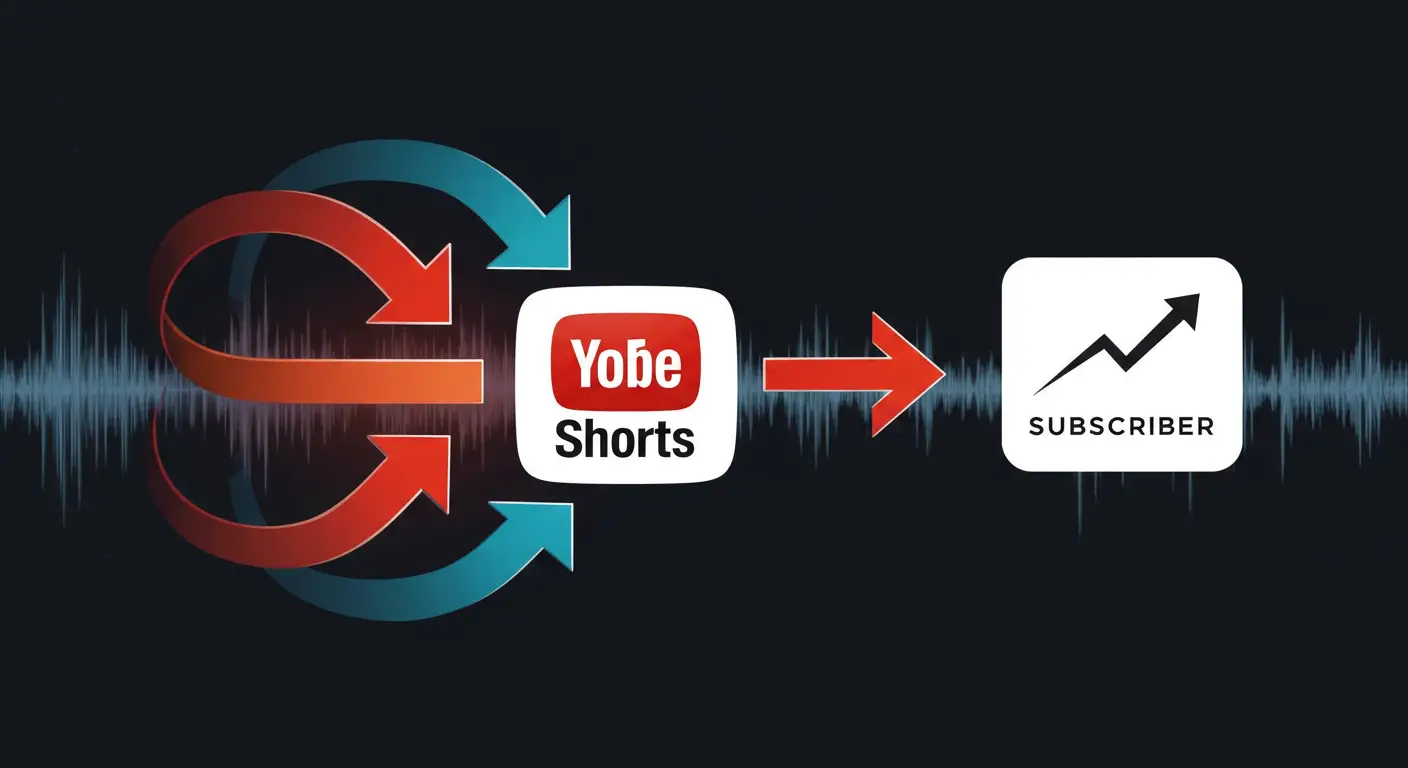
This is the part that separates creators who use Shorts strategically from those who just make more content. Getting someone to watch a Short is step one. Getting them to click on your channel and subscribe is the actual goal.
The editing choices you make inside a Short either support that conversion or work against it.
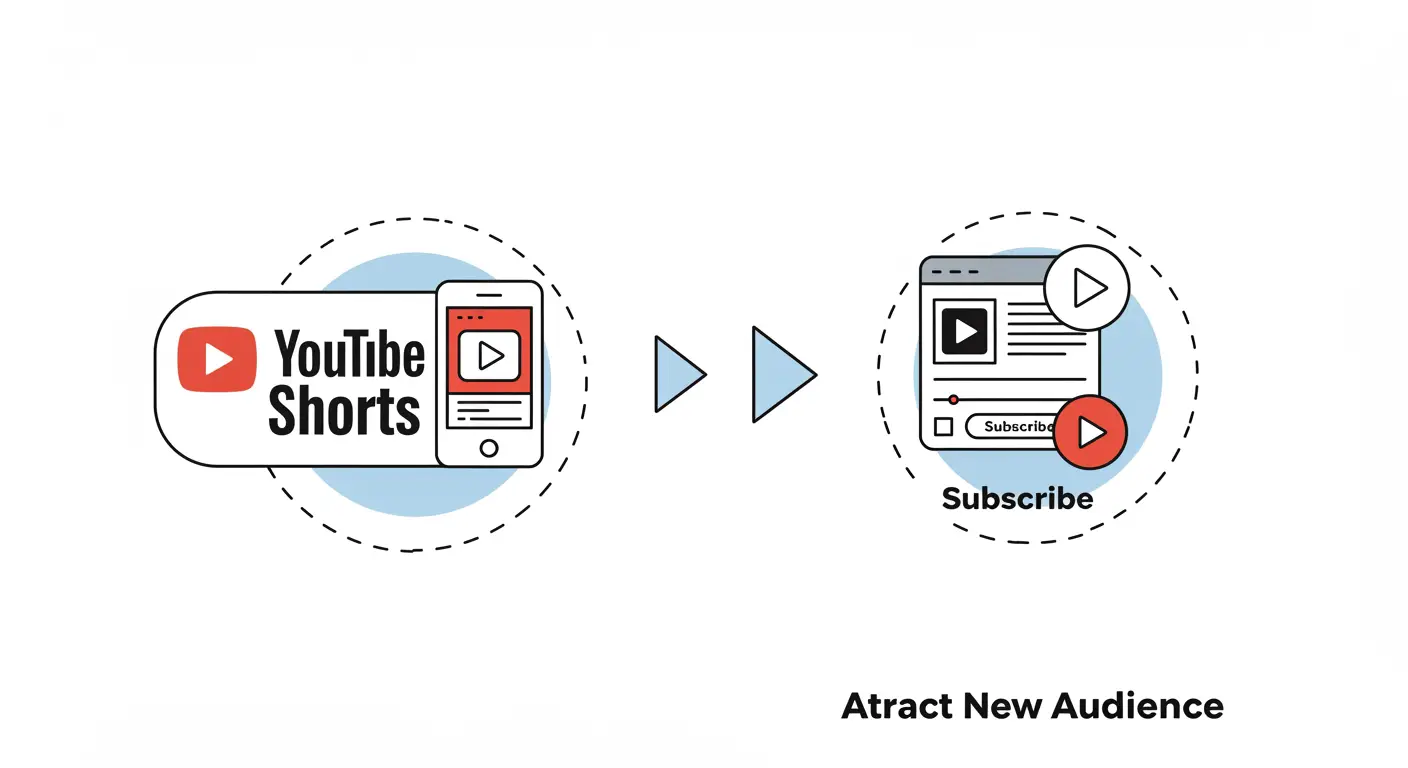
Use Shorts to create incomplete answers
The most effective Shorts give genuine value while leaving something unresolved. A tip that works but raises a follow-up question. A result shown without the full process. A story with a compelling first chapter. The viewer has learned something real, but they now have a reason to look for the rest of it on your channel.
This is different from withholding information in a manipulative way, which viewers recognize immediately. The Short should feel complete as a piece of content. The curiosity it creates should feel natural, not forced.
Tease your long-form content directly
Cutting the best 20 seconds from your latest video and adding a text overlay that says “Full breakdown on my channel” is a proven format. It repurposes content you already made, shows new viewers exactly what your longer content looks like, and pre-qualifies who clicks through. Someone who watches a teaser Short and then clicks to the full video is already more engaged than a cold visitor who found you through search.
Verbal and visual CTAs that are not annoying
The button to subscribe appears on screen automatically in the Shorts interface. You do not need to spend ten seconds of your Short asking people to use it. A single, direct verbal mention at the end works. Better yet, make the CTA feel like a natural continuation: “The full version of this is on my channel if you want to go deeper” is less pushy and more persuasive than “Don’t forget to like and subscribe!”
End cards are not clickable in the Shorts feed, but text overlays work. Keeping your channel identity visible through consistent visual style, color grading and logo placement does more long-term work than any specific CTA line.
EdicionVideoPro take: The Short should leave the viewer wanting more, not feel cheated. There is a real difference between those two outcomes, and it lives in the editing. Apply audience retention techniques in a compressed format, not as a manipulation tactic but as genuine editorial craft.
YouTube Studio gives you detailed analytics for Shorts that most creators look at for about thirty seconds before moving on. This is a mistake. The data tells you exactly which editing decisions are working and which ones are losing people, and it is specific enough to act on.
The metrics that matter for Shorts
Average percentage viewed: This is completion rate. If it is below 70% for a Short under 30 seconds, something in the first half is losing people. Look at your hook and your pacing in the first ten seconds first.
Subscriber conversion rate: Found under the “Reach” tab. This tells you how many people who watched the Short then subscribed to your channel. A Short with high views but low subscriber conversion means you are getting reach without retention. The content entertained but did not make a strong enough case for the channel.
Traffic source breakdown: How people are finding your Shorts. If most of your Shorts traffic is coming from existing subscribers rather than the Shorts feed, the algorithm is not distributing your content to new audiences. This usually means the hook needs to be stronger or the content is too niche for cold audiences to engage with.
Impressions from Shorts feed vs. other sources: A Short that gets most of its views from your existing subscribers is not doing the discovery job. You want the Shorts feed percentage to be high, ideally above 60% of total impressions.
How to use this data to edit better
Look at your last ten Shorts. Sort them by average percentage viewed. The ones at the top have something in common, even if you cannot immediately identify what. Watch them back to back and look at the opening three seconds, the pacing in the middle, and how they end. Then look at the bottom three. The difference is usually obvious once you are looking for it.
Do the same exercise with subscriber conversion rate. Some Shorts will have high completion but low conversion. Those are entertaining but not building your channel. Adjust the content or CTA approach on future Shorts to create a clearer connection between what the Short shows and why someone would want more of it.
Simple rule: Edit more Shorts that look like your top performers. Stop making Shorts that look like your bottom ones. Analytics is just that process made systematic.
???? Related EdicionVideoPro Resources
Not every type of content translates well to 60 seconds or less. The formats below work not because they are trendy but because they match what the Shorts algorithm rewards: immediate value, a reason to rewatch, and a reason to go find more. Here is how to edit each one for maximum impact.
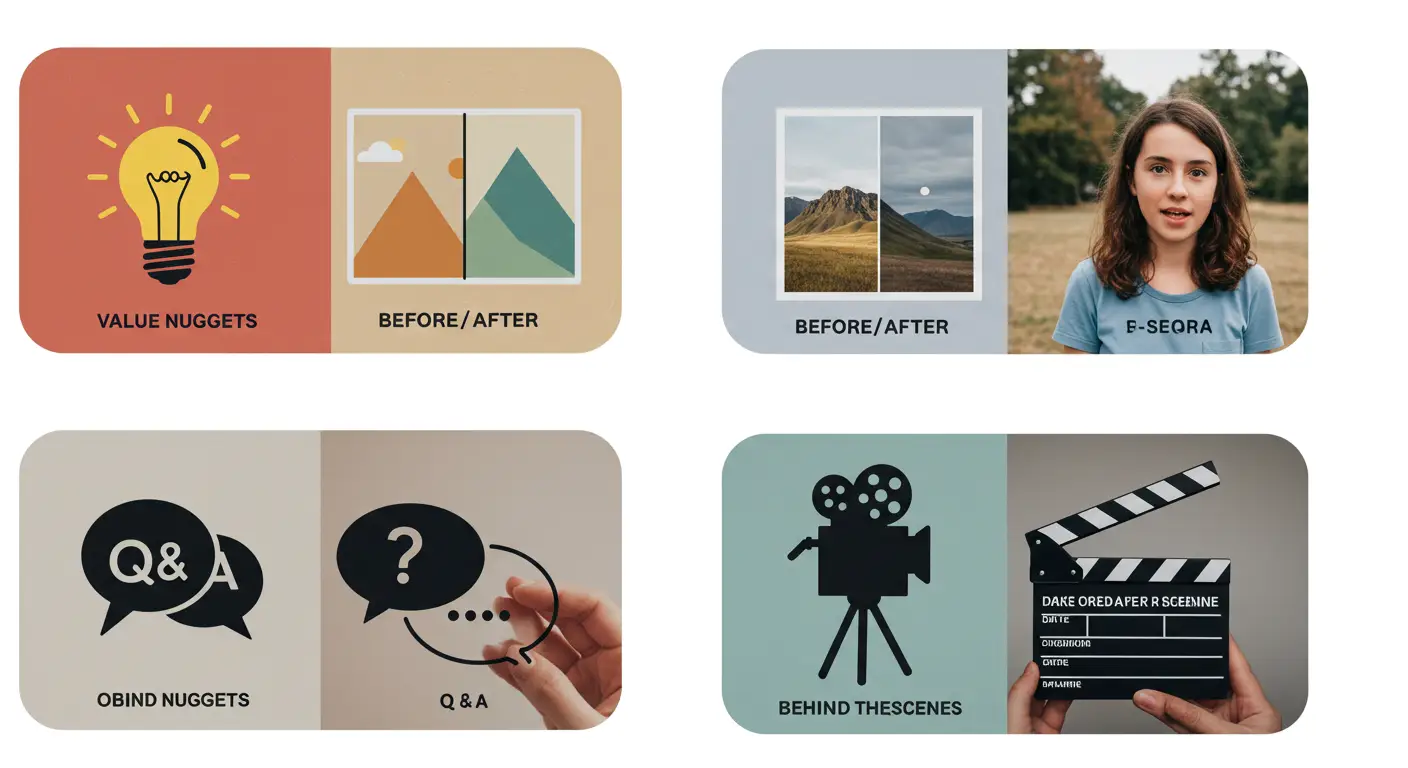
The Single Insight
What it is: One useful idea, explained clearly and completely in under 30 seconds.
How to edit it: State the insight in the first sentence. Prove or demonstrate it in the middle. Restate it with slightly more context at the end. Use text overlays to reinforce the key point visually. No intro, no outro.
Before and After
What it is: A visible transformation that makes the result obvious.
How to edit it: Show the before state for two to three seconds, cut hard to the after. Add a transition sound effect on the cut. Keep both states in the same visual style so the comparison reads clearly. The contrast is the content.
Community Q&A
What it is: Answer a real question from a comment or DM.
How to edit it: Show a screenshot or text of the question in the first frame so the viewer is oriented immediately. Answer directly. If the full answer lives in a longer video, name it explicitly and tell them to find it on your channel.
Long-Form Highlights
What it is: The most interesting 20 to 30 seconds from your latest full video.
How to edit it: Cut into the moment at peak interest, not at the beginning of the segment. Add a text overlay that tells people where to find the full video. End on an unresolved note that makes the full video feel necessary.
Behind the Process
What it is: A raw, unpolished look at how you make something or what your actual workflow looks like.
How to edit it: Keep the production intentionally low-fi here. Over-polished behind the scenes content feels staged and loses the point. Fast cuts between moments, natural audio, minimal music. The authenticity is the value.
Trend With a Specific Twist
What it is: A format or sound that is currently getting traction in the Shorts feed, applied to your specific niche.
How to edit it: Use the recognizable structure of the trend so viewers clock it immediately. Then apply it to your topic in a way that feels natural, not forced. The goal is to borrow the format’s reach while making the content clearly yours.
Worth tracking: In YouTube Analytics, look at which Short formats are generating the most channel visits and subscriptions, not just views. A Short with 50,000 views that converts 200 subscribers is more valuable to your channel than one with 500,000 views that converts 50. Edit toward the metrics that actually build the business.
???? Need Your Shorts to Actually Build Your Channel?
Getting Shorts right takes more than good content. It takes editing decisions that work with the algorithm, convert viewers into subscribers, and connect each Short to the larger content strategy on your channel. That is exactly what we do at EdicionVideoPro. We edit your Shorts with a clear goal: not just views, but real channel growth.
???? Start Growing Your Channel with Strategic ShortsBoth approaches work and they serve slightly different purposes. Repurposing is more efficient to start because the content already exists and you already know it performed well enough to publish. Clips from strong long-form videos tend to make compelling Shorts because they were already edited for substance.
Original Shorts allow more flexibility to respond to trends and to create content specifically designed for the Short format. A good working ratio is roughly 70% repurposed and 30% original. The repurposed content keeps your channel visible and efficient. The original content tests new formats and reaches different audience segments.
One important note: a repurposed clip still needs to be reedited for the Short format. Cutting a segment out of a long video and uploading it as-is rarely performs well. The pacing, hook, and ending all need to be adapted.
Yes, and the mechanism is well-documented at this point. The Shorts feed exposes your content to people who have never seen your channel. When a Short does well algorithmically, it can generate tens of thousands of impressions from people outside your existing audience within a few days.
The key variable is how many of those viewers then visit your channel and subscribe. That number depends almost entirely on how the Short was edited. A Short that is funny or entertaining in isolation but gives no reason to go deeper will generate views without subscribers. A Short that creates genuine curiosity about your other content, or that clearly demonstrates the kind of value you provide, converts at a much higher rate.
Channels that grow fastest through Shorts typically have a clear editorial identity that is visible in every Short they make, making it easy for a new viewer to understand immediately what subscribing would give them.
Not necessarily, and this is worth being careful about. Music licenses are platform-specific. A track that is licensed for use on TikTok through Meta’s agreement with the label may not be licensed for YouTube, and vice versa. The same song can be perfectly legal on one platform and a copyright issue on another.
The safest approach for Shorts is to use music from YouTube’s Audio Library, which is specifically cleared for use on YouTube with no monetization or copyright claims. Trending audio within the YouTube Shorts library also tends to help with algorithmic distribution.
For more detail on navigating music licensing across platforms, see our guide on legal music for videos.
YouTube allows Shorts up to 60 seconds (and in some cases up to 3 minutes), but the algorithmic sweet spot remains 15 to 30 seconds for most content types. This range is long enough to deliver a complete thought and short enough to achieve a high completion rate without needing perfect pacing throughout.
Tutorial or educational content can stretch to 45 to 60 seconds if every second is earning its place. The test is whether you can cut anything without losing meaning. If the answer is no, the length is justified. If there are segments that could be removed without the Short losing value, they should be cut regardless of what that does to the total duration.
Duration should follow the content, not the other way around. A 15-second Short with 95% completion rate will outperform a 60-second Short with 40% completion rate in every metric the algorithm uses to decide on distribution.
It depends on who your audience is and what kind of content the Short contains. Unlike Instagram Reels, where a large portion of viewers watch without audio, most Shorts viewers have their audio on. This means captions are less critical on YouTube Shorts than on other platforms.
That said, captions do add value in a few specific situations: educational or tutorial content where text reinforcement helps retention, content where on-screen text is part of the visual hook, and any content targeting audiences who may be watching in public spaces without headphones.
Auto-generated captions from YouTube work reasonably well for English, but they require review before publishing. Errors in auto-captions, especially for technical terms or proper nouns, can undermine the credibility of otherwise strong content.
The creators who build real channels through Shorts are not the ones making the most of them. They are the ones making the most intentional ones. Every Short they publish has a clear hook, a deliberate structure, and a reason to make someone want to see what else is on the channel.
That takes editing skill, but more than that it takes editorial thinking. Knowing what the Short is for before you make the first cut. Understanding who you are trying to reach and what would make them curious enough to subscribe. Treating each Short as a small but specific investment in a larger content strategy rather than a standalone piece of content.
The technical craft matters, the hook timing, the pacing, the loop, the audio mix. But those tools only work when they are in service of a clear idea. Get both right and Shorts become one of the most efficient audience-building tools available to a YouTube creator right now.
If you want a team that handles both the technical execution and the editorial strategy, EdicionVideoPro is built for exactly that. We edit your Shorts to perform on the platform and to feed the growth of your full channel.