Best Video Editing Software for Beginners (2026 Guide)
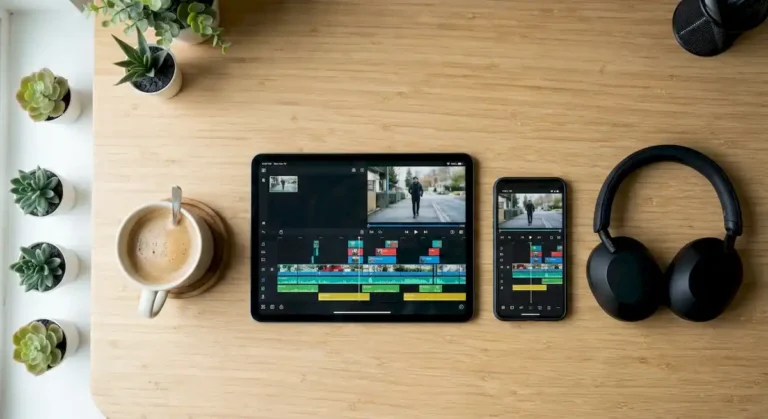
The best video editing software for beginners is the one you will actually open every week. CapCut works well for quick social videos, iMovie or DaVinci Resolve are strong free starts, and Final Cut Pro or Premiere Pro make sense when you are ready to pay for a professional workflow.
Find your starting editor in 3 clicks
Find your first video editor in 3 clicks
Answer three quick questions and get a starting recommendation.
Beginner video editors compared
Prices and plans change often, so check each official site before you decide.
| Tool | Works on | Cost model | Learning curve | Best for |
|---|---|---|---|---|
| CapCut | Phone, Windows, Mac | Free with optional paid features | Easy | Short vertical videos |
| iMovie | iPhone, iPad, Mac | Free | Easy | Simple projects on Apple devices |
| Clipchamp | Windows and browser | Free tier with paid options | Easy | Quick projects on Windows |
| DaVinci Resolve | Windows, Mac, Linux | Free version plus paid Studio | Steep | Growing into pro work and color |
| Final Cut Pro | Mac | Paid | Medium | Fast professional edits on a Mac |
| Premiere Pro | Windows and Mac | Subscription | Medium | Industry standard workflow |

How to choose without overthinking
- Start with the device you already own.
- Pick one small project, like a 60 second video, and finish it.
- Do not judge editors by feature lists. You will use a handful of tools at first.
- Learn five skills before anything else: cut, trim, add audio, add text and captions, and export.
Your first week with a new editor
- Day 1: import clips and make your first cuts.
- Day 2: trim the pauses and add music at a low volume.
- Day 3: add titles and captions.
- Day 4: fix the audio so the voice is clear.
- Day 5: export and watch it on your phone.
What I use and why
I edit client projects in Final Cut Pro because it is fast on a Mac, but I tell every beginner the same thing: the editor matters less than finishing your first ten videos. Once you know what you like, switching tools is easy.
Making a montage? Try our video montage software guide and the beat calculator.
Once you pick an editor, learn to add text with these video title templates.
Frequently asked questions
Is free video editing software good enough?
Yes. Free options like iMovie, DaVinci Resolve and the free tiers of CapCut and Clipchamp cover most beginner needs.
Which video editor is the easiest?
CapCut and iMovie are the easiest to learn because they hide most of the technical settings.
Do I need a powerful computer?
HD editing runs on most modern computers. 4K footage and heavy effects need more processing power and more memory.
Would you rather skip the learning and have a professional cut your video? Message us on WhatsApp and ask about the special rate for first-time clients.
Keep reading: video editing software for Mac, CapCut guide, a comparison of popular editors, Premiere Pro for beginners and the essential guide to video editing.