Best Video Montage Software and How to Make a Montage
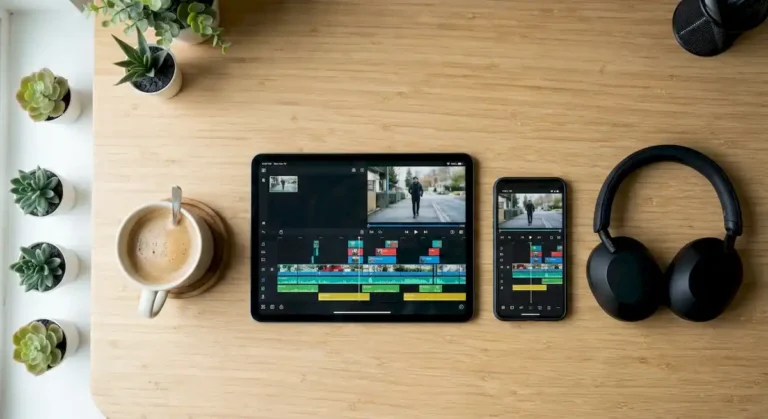
The best video montage software is any editor that lets you cut clips to the beat quickly. CapCut and iMovie get you there fast, while DaVinci Resolve and Final Cut Pro give you more control. Below is a comparison and a beat calculator that tells you how often to cut.
| Tool | Why it works for montages | Cost model | Works on |
|---|---|---|---|
| CapCut | Fast vertical edits with music and templates | Free with optional paid features | Phone, Windows, Mac |
| iMovie | Simple timeline and easy music | Free | iPhone, iPad, Mac |
| DaVinci Resolve | Precise cuts and color for polished montages | Free version plus paid Studio | Windows, Mac, Linux |
| Final Cut Pro | My pick for many short clips on a Mac | Paid | Mac |
| Premiere Pro | Flexible workflow with many tutorials | Subscription | Windows and Mac |
| Clipchamp | Quick montages without installing much | Free tier with paid options | Windows and browser |

Prices and plans change, so check each official site. If you are not sure where to start, use the beginner video editor picker.
How often should you cut? Try the beat calculator
Beat calculator for montages
Enter the tempo of your song and how many beats each clip should last. The strip pulses on every beat and the gold cells are your cuts.
How to edit a montage to the beat
- Choose the music first. The song decides the rhythm.
- Find the tempo (BPM) in the track details or by tapping along, and use the calculator.
- Add markers on the beats you want to cut on.
- Drop a clip on each marker and trim it to the length of one cut.
- Vary the shot size: wide, medium and close-up.
- Open with a strong clip and finish with the best one.
- Watch the result on your phone before exporting.
Cut length by montage style
| Style | Typical starting point |
|---|---|
| Sports highlights | Half a beat to 1 beat per cut |
| Travel recap | 1 to 2 beats per cut |
| Family or wedding recap | 2 to 4 beats per cut |
| Slow, emotional montage | 4 beats or more |
These are starting points from my own edits. Let the footage decide, and break the pattern on purpose when a moment deserves more time.
Mistakes that make a montage feel messy
- Cutting every clip to the same length for the whole song.
- Using shots with different color and brightness; see how to plan your shoot before you record.
- Choosing a song after the edit instead of before.
- Forgetting to check the licence of your footage and music.
Add on-screen text to your recap with these video title templates.
Decide the goal of each montage inside your social media video strategy before you start cutting.
Frequently asked questions
What is the easiest software for a video montage?
CapCut and iMovie are the easiest because they handle music and simple cuts with very few settings.
Can I make a montage on my phone?
Yes. Phone editors work well for vertical montages. For longer projects, a computer gives you more control.
Where can I find footage for a montage?
Use your own clips whenever you can. If you need extra b-roll, follow the free stock footage guide and check each licence.
Want a professional montage for an event or a brand? Message us on WhatsApp and ask about the special rate for first-time clients. You can also plan the whole campaign with our guide to making a promo video.