
How to Compress a Video for WhatsApp Without Losing Quality
To compress a video for WhatsApp you need to get its size under the limit for normal sends (about 16 MB, per 2026 sources) by trimming what you do not need and exporting at a lower resolution. Here are the steps, when to send it as a document, and the mistakes that make it blurry.
Steps to compress a video for WhatsApp
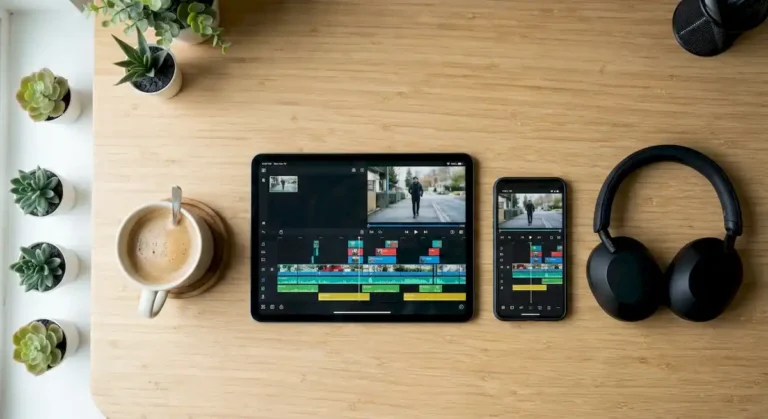
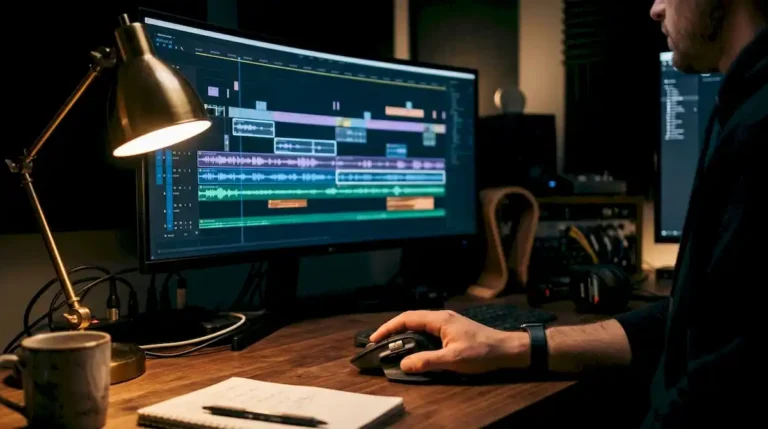
- Open the video in an editor (iMovie, CapCut, Premiere, Final Cut or whatever you use).
- Trim the start and end: less duration means less size.
- Export as MP4 with the H.264 codec at 720p.
- If the file is still over 16 MB, lower the bitrate or shorten the clip further.
- Check picture and sound before sending.
WhatsApp limit: gallery vs document
According to the sources checked, videos sent from the gallery are capped at about 16 MB and WhatsApp recompresses them to 720p or 480p; if you attach them as a document, the limit rises a lot (up to 2 GB per recent reports) and they are sent without recompression. These are third-party sources and WhatsApp changes its limits: if a send fails, check in the app.
Mistakes that make a video blurry
- Letting WhatsApp compress it for you: it does so aggressively and you lose sharpness.
- Exporting in 4K for a chat: the size explodes and you will not see it on a phone.
- Compressing the same video several times: each pass loses quality.
- Sending a long video when only one part matters: trim it first.
- Forgetting the audio: make sure the volume is clear before exporting.
If you need to send many videos or at professional quality
If the video is for your business, wedding or channel and you would rather not deal with it, we edit it for you. We have a special rate for first-time clients: message us on WhatsApp with your video and we will quote time and cost. If the video is going to another platform, see how to add music to a video or combine several clips before compressing.
FAQ about compressing videos for WhatsApp
How many MB can a WhatsApp video be?
From the gallery, about 16 MB per the sources; as a document, much more. Check your app version.
Is it better to send it as a document?
If you want to keep the original quality, yes: it is not recompressed. The downside is that there is no preview in the chat.
Sources checked
- Fast.io: límites de tamaño de WhatsApp (terceros, revisado 2026)
- Androidguías: cómo enviar videos largos por WhatsApp (terceros)
Sources checked on 10 November 2026.